There is no single best gaming keyboard for everyone. The right choice depends on your budget, the games you play and whether you also need it for everyday typing.
This guide explains what to look for in a gaming keyboard in 2026, which features are worth paying for and how to find good deals before you buy.
The Quick Answer
One of the most important things to consider is the switch type, especially if gaming performance is your priority.
Hall effect (magnetic) switches are particularly popular among competitive FPS players because of features such as adjustable actuation and rapid trigger.
However, many gamers will be perfectly happy with a quality mechanical keyboard that offers good build quality, reliable switches and a layout that fits their setup.
How to Choose the Right Gaming Keyboard
1. Decide What Kind of Switches You Need
Mechanical switches (linear, tactile or clicky) are reliable, widely available and easy to try before you buy.
Hall effect / magnetic switches offer adjustable actuation and rapid trigger — ideal for competitive gaming, at a higher price point.
Optical switches sit in between, offering fast response without the full customization of magnetic boards.
2. Pick Your Layout
Full-size: Includes a number pad — good for gaming plus spreadsheet work.
TKL (tenkeyless): Drops the number pad for more desk and mouse space.
60%/65%/75%: Increasingly popular compact layouts that save even more space, at the cost of some dedicated keys.
3. Wired vs. Wireless
Many modern gaming-focused wireless keyboards use dedicated low-latency 2.4GHz connections rather than standard Bluetooth. As a result, many current wireless models offer latency levels that are difficult to distinguish from wired keyboards during normal gameplay.
If you prefer a cleaner desk setup, a gaming-grade wireless keyboard can be a practical option. Just make sure the product specifically advertises a low-latency gaming connection rather than relying solely on Bluetooth.
4. Build Quality and Materials
Aluminum-frame keyboards resist flex and feel sturdier under fast, repeated keystrokes than plastic-frame boards. If you're a heavy typer or an aggressive gamer, this is worth prioritizing over RGB lighting or extra software features.
5. Software and Customization
Companion apps that let you remap keys, adjust actuation points and program macros add real value — but only if the software is stable. Check recent user reviews specifically for software complaints before buying.
Do You Really Need a Hall Effect Keyboard?
For many gamers, no. Hall effect features are most beneficial for competitive players who want the fastest possible input response.
Rapid trigger and adjustable actuation shine in games where fractions of a second decide a duel. If you mostly play story games, strategy titles or MMOs, a well-reviewed mechanical keyboard will feel just as good day-to-day and cost significantly less.
RGB Lighting: Does It Matter?
RGB lighting doesn't improve gaming performance, but it can make keys easier to see in low-light environments and allows for greater desk customization. Some keyboards also let you create game-specific lighting profiles or highlight important keys. If you're shopping on a budget, prioritize switch quality, build quality and overall performance before paying extra for advanced RGB features.
Smart Ways to Save on Your Next Gaming Keyboard
Gaming keyboards go on sale far more often than most shoppers realize, especially around major retail events and new-model launches (when older, still-great boards get discounted). Before you buy:
Compare prices across retailers rather than buying from the first listing you see.
Check for bundle deals — some retailers pair keyboards with mice or mouse pads at a discount.
Stack a verified coupon code at checkout instead of assuming the listed price is final.
Watch for open-box or previous-gen deals once a manufacturer announces a new model.
Recommended Gaming Keyboards for 2026
MelGeek MADE68 Ultra (Aluminum Case Magnetic Keyboard)
A 65% aluminum-case board built around TTC magnetic switches, with rapid trigger, a 0.1–4mm adjustable actuation range (40 levels), 8,000Hz polling and a swappable light box and side panels for modular customization.
Pros:
Full CNC aluminum unibody case feels sturdy and premium
Highly granular actuation adjustment for tuning FPS response
Modular side panels and light box for personalizing the look
Strong acoustic dampening for a controlled typing sound
Cons:
Wired-only — no wireless option
Priced above entry-level Hall effect boards
Hall effect features may be unnecessary for gamers who do not need adjustable actuation or rapid trigger.
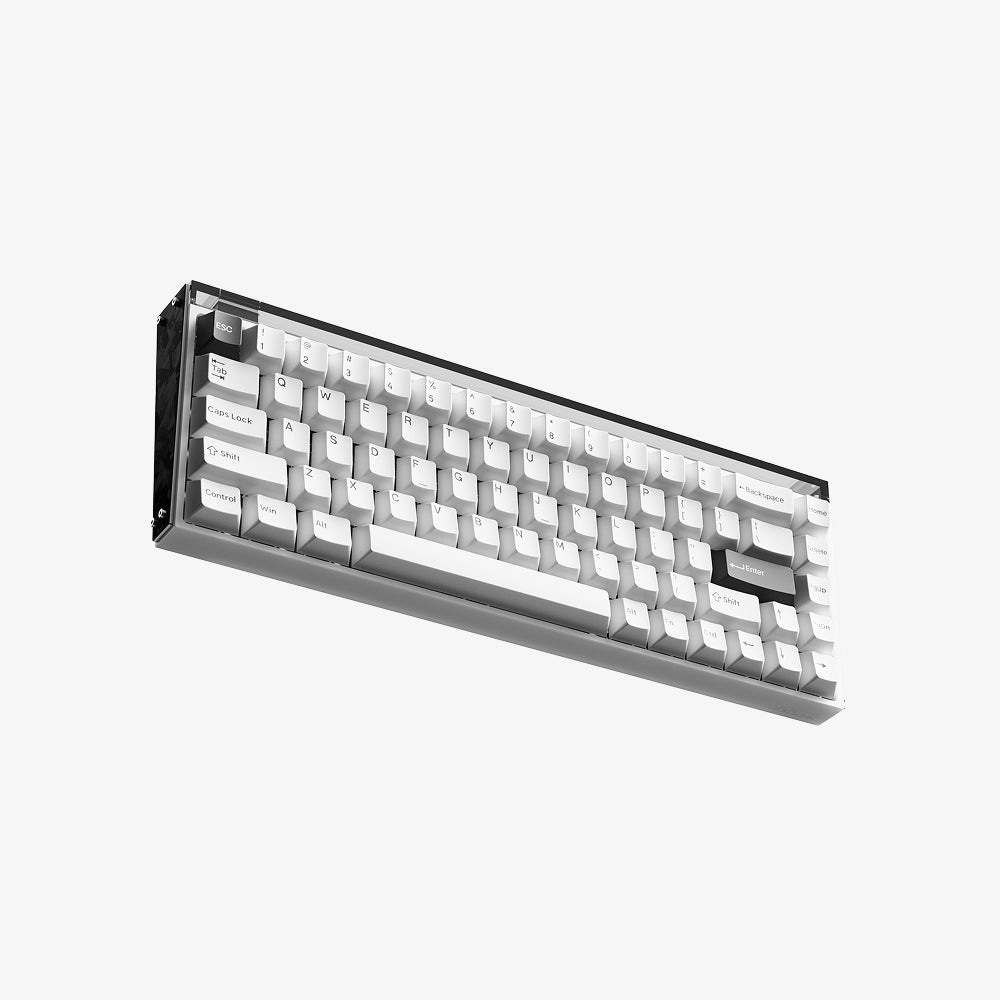
MADE68 Ultra+ Gaming Keyboard
High-performance Hall Effect gaming keyboard with 8,000Hz polling, TTC magnetic switches, adjustable actuation, rapid trigger, aluminum alloy construction, and a compact 65% layout.
MelGeek Centauri (60/80) Hall Effect Gaming Keyboard
MelGeek's flagship magnetic line, available in a compact 66-key Centauri60 or an 83-key Centauri80 with a 1.78" OLED touchscreen and "Super Dock" onboard controls. Both share the same 8,000Hz polling, 0.125ms latency and full aluminum CNC construction.
Pros:
Standout industrial design with a full aluminum unibody
Centauri80's OLED screen adds onboard customization and display personalization
Choice of two sizes depending on how much desk space you want to give up
Refined 5-layer acoustic structure for a cleaner sound profile
Cons:
Flagship pricing — the most expensive of the three
The OLED screen and extra function-row access are exclusive to the larger Centauri80
Wired-only, competitive-focused design
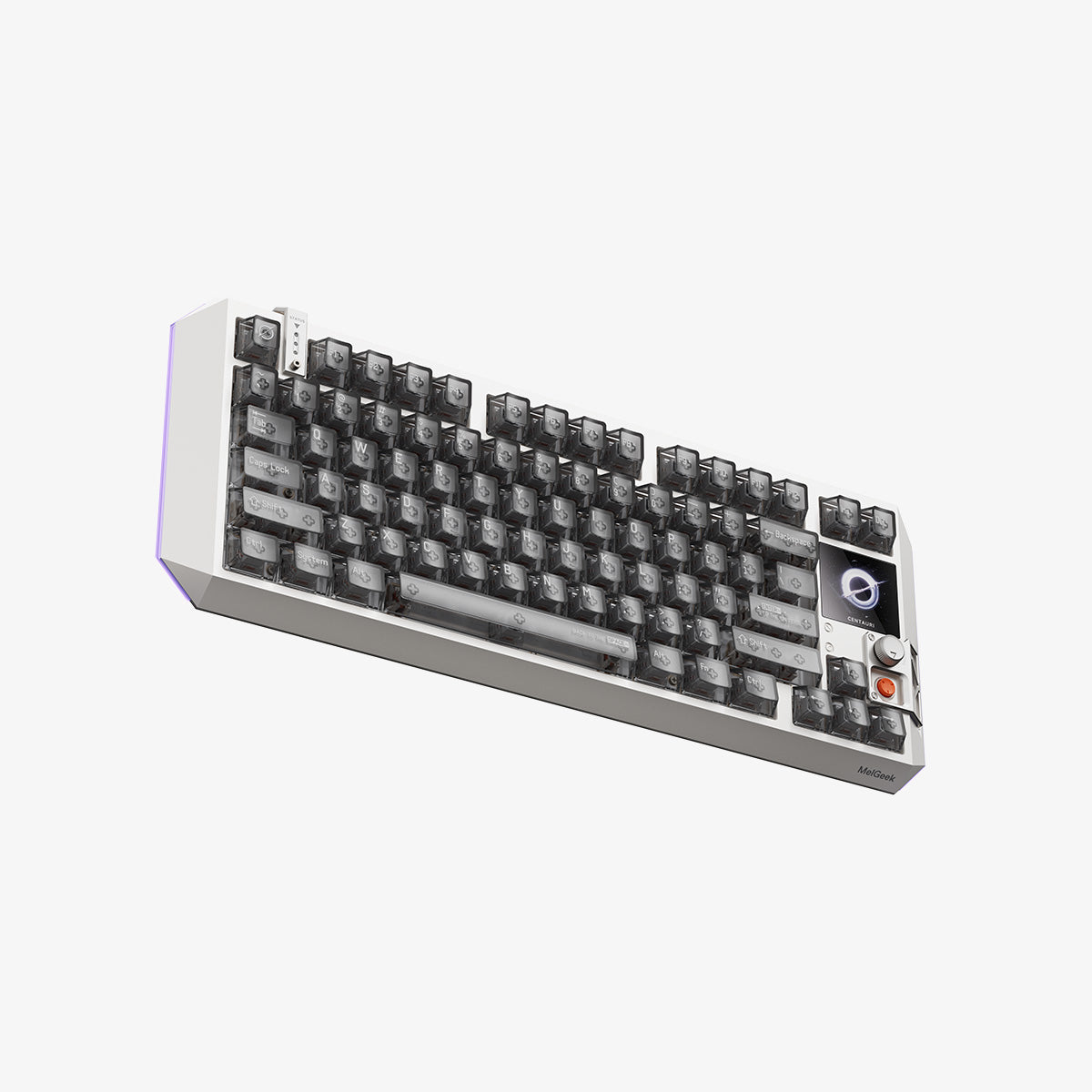
Centauri60/80 Hall Effect Gaming Keyboard
Premium magnetic gaming keyboard featuring an aluminum alloy case, OLED touchscreen on the 80-key layout, gasket mount, magnetic switches, and high-performance gaming features.
MelGeek MADE68 Pro
The more affordable entry point into MelGeek's magnetic lineup, using TTC Magneto switches with the same adjustable-actuation and rapid-trigger fundamentals, an ABS + PC case instead of aluminum and support for Snap Tap and DKS.
Pros:
Same core Hall effect features (rapid trigger, adjustable actuation, hot-swappable switches) at a lower price
Good entry point if you want to try magnetic switches without paying flagship prices
Still supports high polling rates and low latency
Cons:
ABS + PC case rather than aluminum, so it feels less premium and dampens sound less than the Ultra or Centauri
Fewer modular/aesthetic customization options than the higher tiers
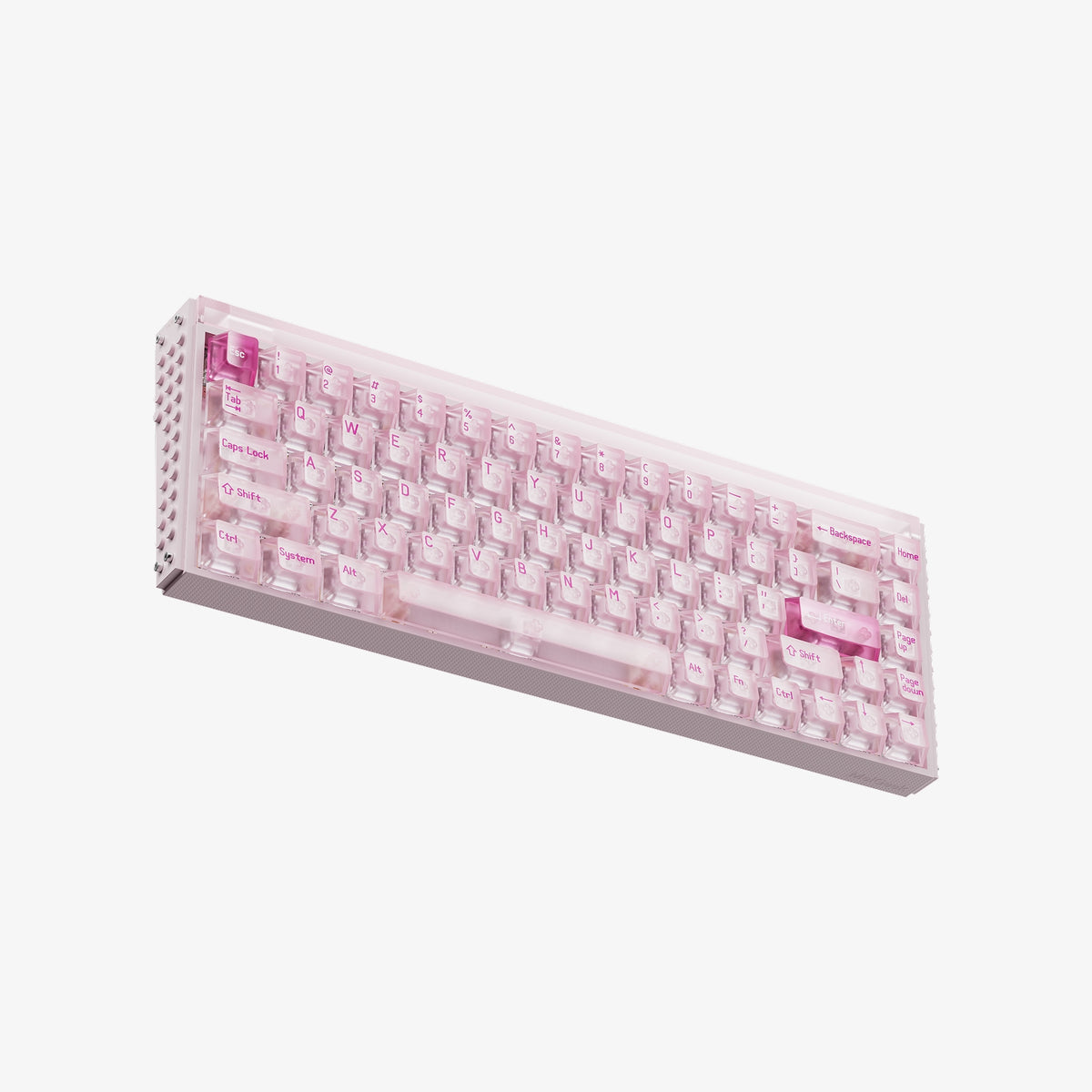
MelGeek MADE68 Pro Hall Effect Gaming Keyboard
A compact Hall Effect gaming keyboard with magnetic switches, 8,000Hz polling, 16K scan rate, adjustable actuation, Rapid Trigger, ultra-low latency, and customizable RGB lighting.
Final Thoughts
Choosing a gaming keyboard in 2026 is about finding the right features for your needs, not simply buying the most expensive one. Hall effect keyboards are useful for competitive FPS games, while traditional mechanical keyboards work well for casual gaming, typing, MMO and strategy games.
Before buying, compare the switches, layout, connectivity, build quality and software. Also, check prices and deals to avoid paying for features you don't need.
Frequently Asked Questions
There's no single universal answer — it depends on your game type and budget. Competitive FPS players tend to prefer Hall effect boards with rapid trigger, while casual and everyday users often do just as well with a quality mechanical keyboard.
For competitive players chasing every millisecond, yes. For casual gamers, a traditional mechanical keyboard usually delivers a very similar experience for less money.
Yes, as long as it's built specifically for gaming — look for dedicated low-latency wireless technology rather than standard Bluetooth.
Only if you regularly use it for work, spreadsheets or games with heavy numeric input. Most competitive gamers prefer TKL or smaller layouts for the extra desk space.
Quality gaming keyboards are available across a wide range of prices, from budget models to premium Hall effect boards.